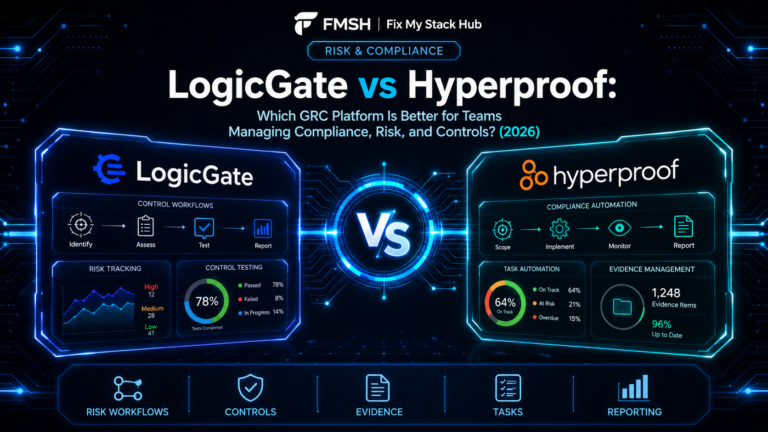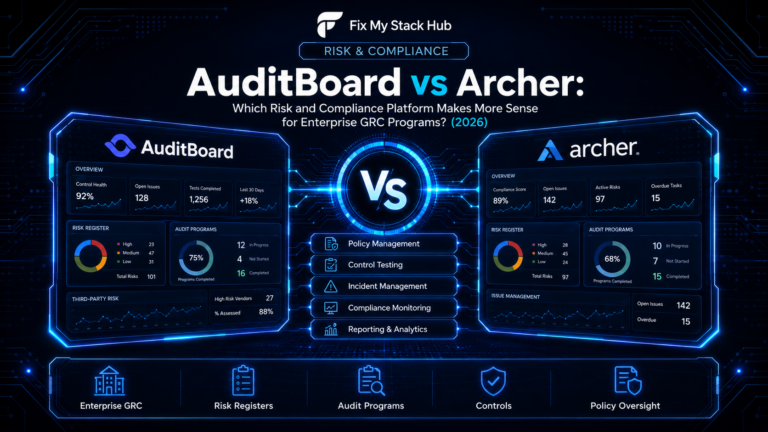
Choosing between LogicGate and Archer usually means an organization is evaluating more than basic compliance software. These platforms sit closer to enterprise governance, risk, and compliance management, where the goal is not just audit readiness, but broader process visibility, oversight, and long-term risk structure.
That makes the comparison more strategic. Teams need to understand not only which platform is powerful, but which one fits better based on flexibility, implementation style, reporting needs, and organizational maturity. In this FixMyStackHub comparison, we break down LogicGate vs Archer across GRC workflows, platform flexibility, reporting, and enterprise fit.
QUICK COMPARISON TABLE
| Category | LogicGate | Archer |
|---|---|---|
| Core Purpose | Modern GRC workflow and risk management platform | Enterprise-grade GRC and risk management platform |
| Ideal Customer | Teams wanting flexibility in GRC design | Enterprises needing deep risk program structure |
| Workflow Flexibility | Strong configurable workflow approach | Strong enterprise process depth |
| Reporting | Good visibility and structured dashboards | Strong enterprise reporting and oversight |
| Implementation Complexity | Can be more flexible and modern in feel | Often heavier and more traditional enterprise |
| Best For | Organizations wanting adaptable GRC workflows | Mature enterprises with complex GRC programs |
What is LogicGate?
LogicGate is a GRC platform designed to help organizations manage governance, risk, and compliance workflows in a flexible, configurable environment. It is often chosen by teams that want to design and adapt workflows without being locked too tightly into rigid structures.
It tends to appeal to organizations looking for a more modern and adaptable approach to GRC operations.
What is Archer?
Archer is an enterprise GRC platform known for supporting complex governance, risk, and compliance programs across large organizations. It is often used in mature enterprise environments where reporting, structured oversight, and deeper risk process management are central requirements.
Archer is typically shortlisted by larger organizations with broader GRC maturity and more formal risk management needs.
LogicGate vs Archer: Key Differences
| Feature Area | LogicGate | Archer |
|---|---|---|
| Workflow Design | More flexible and modern | More structured and enterprise-heavy |
| Enterprise Depth | Strong but often more adaptable | Strong and deeply enterprise-oriented |
| Reporting | Good structured reporting | Strong enterprise visibility and oversight |
| Implementation Feel | More configurable and modern | More formal and potentially heavier |
| Best Fit | Teams wanting adaptable GRC workflows | Mature enterprises with complex GRC structure |
The difference often comes down to flexibility versus traditional enterprise depth. LogicGate may be the stronger fit for organizations wanting configurable workflows and modern GRC design. Archer may make more sense for enterprises with mature risk structures and deeper formal governance requirements.
Pros and Cons
| Category | LogicGate | Archer |
|---|---|---|
| Strengths | Flexible workflow design Modern GRC positioning Good adaptability | Strong enterprise GRC reputation Deep risk program fit Strong oversight and reporting |
| Limitations | May not feel as traditional for very mature enterprise teams | Can feel heavier and less flexible for some organizations |
Which One Should You Choose?
Choose LogicGate if your organization wants a more flexible, modern GRC workflow platform.
Choose Archer if your risk and governance program is highly mature and you need deeper enterprise structure and oversight.
Related Comparison
You may also want to compare OneTrust vs TrustArc if your immediate focus is privacy and compliance rather than broader GRC.