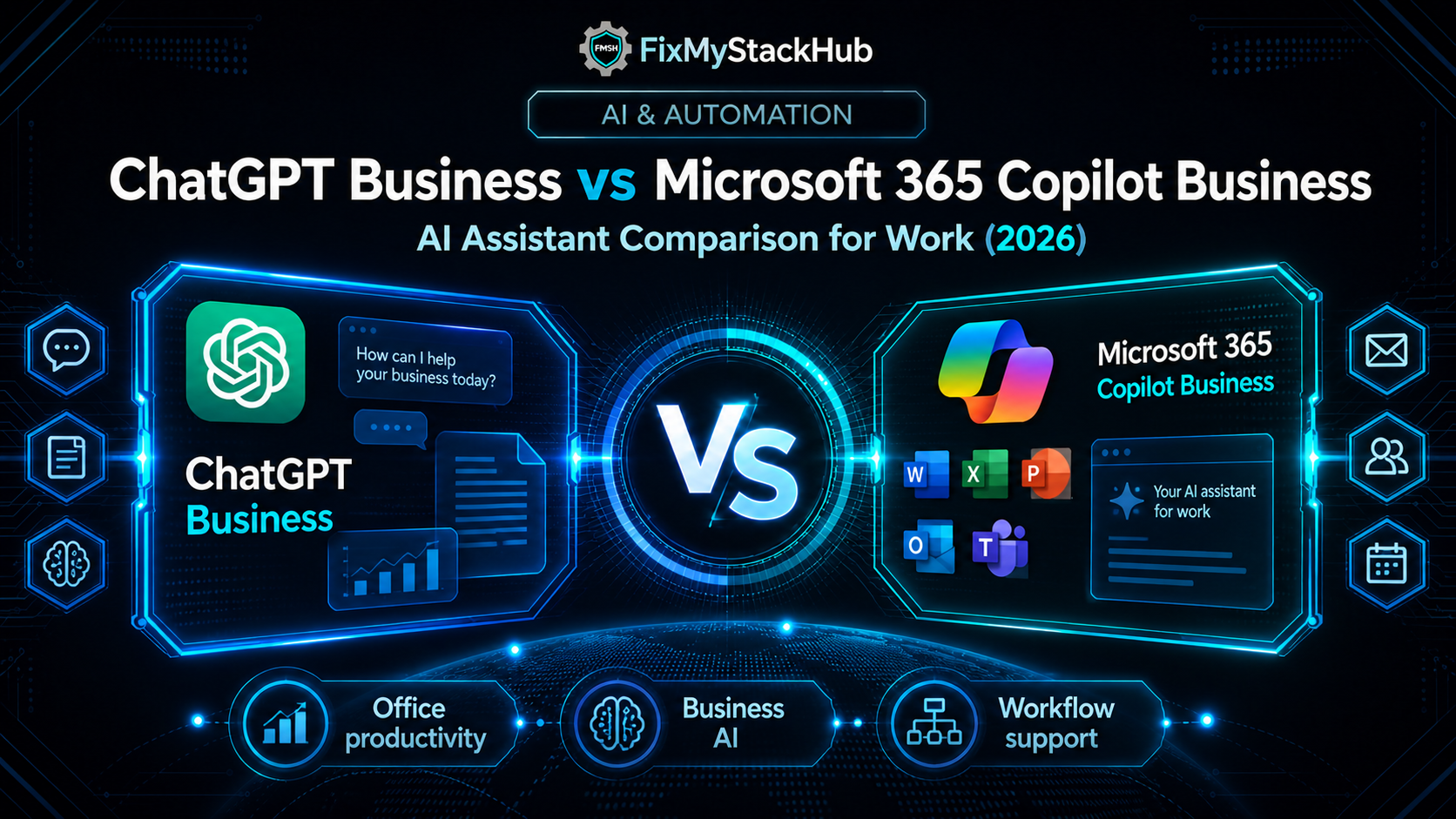
Businesses comparing AI assistants for work are no longer choosing between experimental tools. They are comparing platforms designed to sit closer to day-to-day productivity, documents, communication, and internal knowledge. ChatGPT Business and Microsoft 365 Copilot Business are two of the biggest names in that conversation. OpenAI officially renamed ChatGPT Team to ChatGPT Business in August 2025, while Microsoft positions Microsoft 365 Copilot Business as an AI assistant for work tied to eligible Microsoft 365 plans.
The choice between them often comes down to environment and workflow. Some teams want a flexible general-purpose AI workspace. Others want AI grounded directly in Microsoft apps, files, meetings, and work data. In this FixMyStackHub comparison, we break down ChatGPT Business vs Microsoft 365 Copilot Business across productivity fit, ecosystem context, security positioning, pricing approach, and ideal use cases.
QUICK COMPARISON TABLE
| Category | ChatGPT Business | Microsoft 365 Copilot Business |
|---|---|---|
| Core Purpose | Business AI workspace for teams | AI assistant inside Microsoft 365 work environment |
| Ideal Customer | Teams wanting a flexible AI workspace | Businesses already invested in Microsoft 365 |
| Data Context | Workspace-based business AI usage | Grounded in Microsoft 365 apps, Graph, and work data |
| Ecosystem Fit | More general-purpose across workflows | Strongest inside Microsoft stack |
| Pricing Model | Business plan pricing through OpenAI | Add-on/business pricing tied to eligible Microsoft 365 plans |
| Best For | Cross-functional AI work and general reasoning | Microsoft-centric productivity workflows |
Microsoft highlights Copilot’s grounding in Microsoft Graph, connectors, enterprise data protection, and in-app productivity across Microsoft 365. OpenAI positions ChatGPT Business as the renamed business version of ChatGPT Team with workspace-based features for organizations.
What is ChatGPT Business?
ChatGPT Business is OpenAI’s business-focused ChatGPT plan for organizations. OpenAI says it is the renamed version of ChatGPT Team and presents it as a workspace model for business users.
Businesses may prefer ChatGPT Business when they want a broadly useful AI assistant for writing, analysis, research, brainstorming, and internal team workflows without tying the experience to a single productivity suite.
What is Microsoft 365 Copilot Business?
Microsoft 365 Copilot Business is Microsoft’s business AI assistant designed to work across Microsoft 365 applications and data, with Microsoft highlighting Graph grounding, Copilot Chat, Pages, notebooks, and enterprise data protection for business subscriptions. Microsoft also states that a qualifying Microsoft 365 plan is required for the paid Copilot Business offer.
Businesses often prefer it when Microsoft 365 is already central to daily work and the value of AI is tied directly to Outlook, Teams, Word, Excel, meetings, and internal Microsoft-hosted data.
ChatGPT Business vs Microsoft 365 Copilot Business: Key Differences
| Feature Area | ChatGPT Business | Microsoft 365 Copilot Business |
|---|---|---|
| Workflow Fit | Broad AI workspace use cases | Deep productivity use inside Microsoft 365 |
| Ecosystem | More suite-neutral | Microsoft-centric |
| Data Context | Workspace and uploaded content context | Microsoft Graph and Microsoft 365 work context |
| Best User Type | Teams wanting general AI flexibility | Teams already living in Microsoft 365 |
| Buying Trigger | Need for a shared AI workspace | Need for AI inside Microsoft productivity stack |
The real difference is context. ChatGPT Business is stronger when the priority is a flexible business AI environment that can support many types of knowledge work. Microsoft 365 Copilot Business is stronger when the priority is AI that sits directly inside an existing Microsoft-centric workflow.
Pros and Cons
| Category | ChatGPT Business | Microsoft 365 Copilot Business |
|---|---|---|
| Strengths | Flexible for many business tasks Strong general-purpose AI assistant fit Workspace-based for teams | Deep Microsoft 365 integration Grounded in work data and apps Strong for Microsoft-centric productivity |
| Limitations | Less natively embedded into Microsoft workflows | Best value depends on Microsoft 365 investment |
Which One Should You Choose?
Choose ChatGPT Business if your team wants a more flexible AI workspace that can support writing, research, analysis, and broad business tasks across many workflows.
Choose Microsoft 365 Copilot Business if your business already runs heavily on Microsoft 365 and you want AI embedded directly into that environment.
Related Comparison
You may also want to compare Claude Team vs ChatGPT Business if your shortlist is focused on team AI assistants rather than suite-embedded copilots.