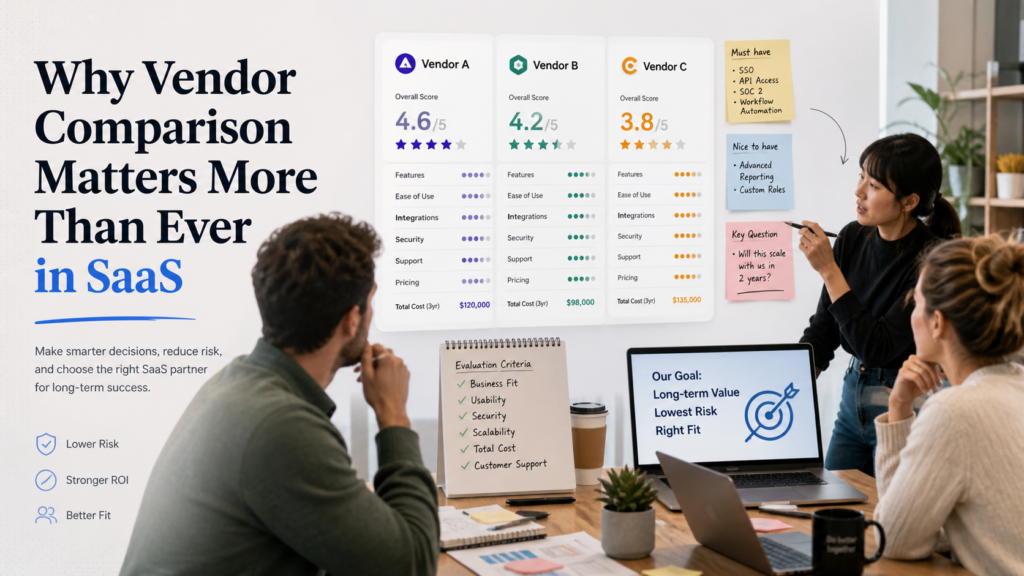

Choosing between JumpCloud and Rippling is a major identity and device management decision for growing teams. Both vendors touch access and device administration, but they come from different angles. JumpCloud positions itself as a unified platform for identity, access, and devices across Windows, Apple, Linux, and Android, while Rippling positions IAM and device management inside a broader workforce platform with strong workflow and lifecycle automation.
That means the comparison is not just about SSO or MDM features. Buyers need to think about whether they want a more IT-centric unified directory, device, and access platform or a broader workforce operating system where identity and devices are deeply connected to employee lifecycle workflows. In this FixMyStackHub comparison, we break down JumpCloud vs Rippling across access management, device management, automation, and business fit.
QUICK COMPARISON TABLE
| Category | JumpCloud | Rippling |
|---|---|---|
| Core Purpose | Unified identity, access, and device platform | Identity and device management inside a broader workforce platform |
| Ideal Customer | Cloud-first IT teams | Growing teams wanting IT tied to employee lifecycle automation |
| Device Story | Cross-platform device management across Windows, Apple, Linux, and Android | Cross-OS MDM with native user and device data |
| Access Story | SSO, MFA, Zero Trust, RADIUS, cloud-first directory | IAM with app setup, access removal, MFA policies, and workflow automation |
| Product Feel | IT platform first | Workforce operations platform with IT built in |
| Best Fit | IT admins wanting unified identity plus devices | Teams wanting identity and devices tied to lifecycle workflows |
What is JumpCloud?
JumpCloud positions itself as a unified platform for identity, access, and devices. Its official messaging highlights management for Windows, Apple, Linux, and Android devices alongside secure access controls like SSO, MFA, Zero Trust, and RADIUS.
Organizations often choose JumpCloud when they want one cloud-first IT platform that can handle directory, access, and device management together without being tied too closely to a broader HR or finance system.
What is Rippling?
Rippling positions its IAM product as one unified place to set up, manage, and disable employee apps and access. Its device management product emphasizes cross-OS MDM, real-time access to native user and device data, custom security policies, lifecycle automation, and device management tied to broader company workflows.
Teams often choose Rippling when identity and device management need to be tightly linked to onboarding, offboarding, role changes, and wider employee operations.
JumpCloud vs Rippling: Key Differences
| Feature Area | JumpCloud | Rippling |
|---|---|---|
| Center of Gravity | IT admin platform | Workforce platform with IT controls |
| Device Management | Unified cross-platform device management | Cross-OS MDM tied to native user and device data |
| Access Management | Directory, SSO, MFA, Zero Trust | IAM tied to employee apps and lifecycle automation |
| Automation Style | IT platform modernization | Workflow-heavy employee and IT automation |
| Best Fit | IT-first buyers | Ops and IT teams wanting lifecycle-connected automation |
The main difference is operating model. JumpCloud often makes more sense for teams that want identity, directory, and device management anchored in an IT-first platform. Rippling often makes more sense for teams that want IAM and device management tied closely to employee lifecycle automation and broader operational workflows.
Pros and Cons
| Category | JumpCloud | Rippling |
|---|---|---|
| Strengths | Unified identity + access + devices Strong cross-platform device story IT-first cloud platform feel |
Strong employee lifecycle automation Cross-OS device management Rich user and device data for policy workflows |
| Limitations | Less naturally tied to full employee operations workflows | May feel broader than needed if you mainly want a pure IT identity/device platform |
Which One Should You Choose?
Choose JumpCloud if your priority is a more IT-centric unified identity, access, and device platform.
Choose Rippling if your priority is tying identity and device management to employee lifecycle automation and broader operational workflows.
Related Comparison
You may also want to compare Microsoft Entra ID vs Ping Identity if your next step is evaluating more enterprise-centered IAM platforms.
Official Links
JumpCloud official site and Rippling official site.